Package Delivery Gate Access for Los Angeles Homes
By BabyLoveGrowth AI

The best package delivery gate access gives a driver the least access needed to finish the delivery, then closes again. For a Los Angeles home, that usually means one of three things: a recurring or one-time pass tied to your gate system, a call box or intercom that rings your phone, or a secure drop point outside the gate. Which one fits depends on the gate you have, and it is far easier to build in when the gate is installed or automated than to patch on later.
This guide is for homeowners and property managers in places like Beverly Hills, Bel Air, Brentwood, Santa Monica and Sherman Oaks, where a driveway gate often sits between the street and the front door and carriers regularly cannot get through.
TL;DR
- A driver who cannot get through a gate usually calls, waits briefly, then leaves or returns the parcel. A clear, one-line instruction at the gate panel prevents most failures.
- Prefer one-time or recurring passes over sharing a permanent code. Passes can expire, be named per carrier and be reissued.
- A pedestrian gate release or a covered drop spot outside the gate can remove the need for any vehicle to enter.
- Check that your gate’s controls are compatible before you buy any delivery feature. Some systems need a relay, and exits must be planned along with entries.
- A missed delivery is not lost: USPS, UPS and FedEx all reattempt, but the same barrier will block the retry unless you fix it.
Table of Contents
- Why packages stall at the gate
- The main ways to let a carrier through
- Write instructions a driver can follow in three seconds
- Keep access narrow: security points that matter
- When a carrier cannot get in
- What this costs when you build it into the gate
- Get delivery access designed in, not bolted on
- Our view on delivery and gates
- FAQ
- Sources
Why packages stall at the gate
A driver has a route, a clock and a scanner. At a locked gate the sequence is predictable. Carrier protocols generally have the driver check the delivery notes, try any gate or call-box instructions, call or text the customer, wait a short time and circle back later if possible. One logistics provider’s published driver protocol says drivers never leave a package outside a gated complex or in an unsecured public area, and a delivery platform’s driver support page has drivers wait at least five minutes for an access code before choosing another safe spot or returning the parcel.

The result for you is a “no access” attempt, a card on the gate or a parcel sitting at a depot. The usual cause is not a hostile gate. It is an instruction the driver could not follow in a few seconds, or a call box that rang a phone nobody answered.
The main ways to let a carrier through
There are five practical approaches. Here they are, from most controlled to least.
| Approach | How it works | Best for |
|---|---|---|
| Carrier-linked in-gate delivery | A smart controller connected to your gate gives an eligible driver one-time access | Homes with a compatible gate and eligible Amazon packages |
| Recurring pass per carrier | A named pass in your gate app, entered in the carrier’s delivery instructions | Homes with an app-controlled operator |
| One-time or scheduled code | A PIN or visitor credential that expires after use or after a time window | Occasional high-value deliveries |
| Call box or intercom release | The driver calls you and you open the gate remotely | Homes where someone is usually reachable |
| Drop point outside the gate | A lockable box or covered spot reached from a pedestrian gate | Single-family homes that do not want vehicles entering |
Carrier-linked in-gate delivery
Ring’s Access Controller Pro 2 page says that with its in-gate feature, drivers deliver eligible Amazon packages inside the gate, out of sight from passersby, and that the service is available in select areas. Amazon’s in-gate delivery page describes one-time access with multi-step authentication, and says access is denied if the driver has no package or the delivery window has expired.
The catch is compatibility. The same Amazon page states that the controller needs a gate with an electrical relay or Wiegand access system, and that access points requiring an additional command to close or exit will not work. Ring’s support article says the device works with an existing relay-triggered access control system. In practice, that means the operator and control board behind your gate decide what is possible. If you are replacing an old operator, this is the moment to specify it.
Recurring passes for regular carriers
Many residential operators have an app that issues guest passes. One HOA’s gate instructions, revised June 2025 tell residents not to use the one-time delivery pass for recurring carriers, because it works only briefly. Instead, they create a recurring pass in the MyQ app, name it for the carrier, set it for up to a year with entry and exit, and paste it into the security-code box in the carrier’s delivery instructions.
That is a good model even if your system is different: name each pass, give it an expiry date, and reissue it rather than handing out one permanent code.
Call box or intercom release
A call box lets the driver look you up and ring your phone. At one community’s call box, a visitor scrolls the directory, enters a three-digit code, and the box dials the resident, who holds 9 to open the gate. Another HOA’s gate guidance notes that the resident presses 9 to grant access or hangs up to deny it, and should never open the gate for anyone unknown.
This works well when you are home or carrying your phone. It fails when nobody answers. If you are weighing it against a keypad, our comparison of intercom and keypad gates for Los Angeles homes covers the trade-offs.
A drop point outside the gate
For many single-family properties the simplest answer is that the vehicle never enters. A lockable parcel box or covered nook beside a pedestrian gate, out of view from the street, keeps the driveway closed and the driver on the sidewalk. It also removes the exit problem: nobody can get trapped inside your gate.

Write instructions a driver can follow in three seconds
The gate system is only half the job. Drivers read the instruction field quickly, so what you write matters as much as the hardware.
- Name the entrance and the method. Say which gate, and whether it is a code, a call box or a pass.
- Include the last button. One delivery-instruction guide suggests writing the code and the key pressed afterward, such as a code followed by #, and keeping it to one line because drivers read it in about three seconds.
- Set expectations for a call box. The same guidance explains that a driver who enters a code and waits about 20 seconds for the box to dial out will often assume it is broken. A line such as “Call box will ring my phone, I will buzz you in” keeps them there.
- Say where the parcel goes. A specific, out-of-sight spot beats “leave at the door.”
- Give a fallback. If you will not answer, say who will or where the parcel should go instead.
If there is no code at all, say so plainly rather than leaving the field blank. Large Los Angeles hillside properties in Bel Air or Brentwood add one more problem: GPS can put a driver at the wrong gate on a shared private road. A landmark, such as the color of the gate posts or the number on the pillar, helps.
Carrier tools help too. According to a summary of FedEx’s policy, the free FedEx Delivery Manager account lets you specify where the package goes and add access details such as a gate code, and instructions can take up to 24 hours to appear. Set these up before an important delivery, not on the day.
Keep access narrow: security points that matter
The risk with delivery access is not the first delivery. It is the code that stays active for years and spreads to people you never met.
- Avoid one permanent shared code. Once a code is shared, you cannot control who passes it on, and a shared code does not tell you who entered or when. A gate-access provider’s article makes this case and also notes that a code cannot account for fill-in drivers.
- Use expiry and time windows. Passes that lapse after use, or that work only during daytime weekday hours, limit exposure.
- Keep a log. A system that records each entry gives you something to check if a package goes missing.
- Plan the exit. A gate that lets a van in but needs a separate command to let it out is incomplete. Entry and exit should be designed together. High-security gate and fence builders, such as those behind high-security fencing and gate manufacture, treat controlled access points as part of the perimeter rather than an add-on.
- Know your alarm setup. Amazon advises disabling home security systems when expecting an in-gate or in-garage delivery, according to Android Police, though drivers never receive your security code. Read the carrier’s current guidance before you enable any such feature.
If you manage an upscale property with several households, the same logic applies at scale: named credentials per carrier, expiry dates and a person responsible for reissuing them.
When a carrier cannot get in
A failed attempt is rarely the end of the story, but the sequence matters because the same barrier can repeat.
USPS says a “No Access to Delivery Location” status, which includes gated communities, triggers an automatic reattempt the next business day. If more than 24 hours pass, submit a service request to your local Post Office with the tracking number. A “notice left” status is different: it does not trigger an automatic second try, and you will need to schedule redelivery or arrange pickup.
A few practical steps follow from that:
- Read the tracking status wording. “No access” and “notice left” lead to different next steps.
- Fix the cause before the retry. If the code was wrong or the call box rang unanswered, update the instructions the same day.
- Use the carrier’s own tools to reschedule or redirect to a pickup location when you will be away.
- For valuable items, choose a hold-for-pickup location rather than relying on your gate.
Deadlines for held parcels differ by carrier and change, so check the carrier’s tracking page for the current hold period.
What this costs when you build it into the gate
Delivery access is an add-on to a gate that already works, so the cost depends on the gate itself. On our site, a manual driveway gate is listed at $1,500 to $4,000, and an automatic gate retrofit at $1,500 to $4,500. Automatic gate installation, gate automation and access control do not have published prices, because they depend on the property and the equipment chosen. Our Los Angeles gate cost calculator gives you a starting figure, and if you want to see how app control fits in, read about app-based gate control for LA homeowners.
If you are planning an entry from scratch, our smart gate installation workflow for luxury Los Angeles homes shows where access control fits in the project. Before any work starts, remember that Los Angeles height and permit rules apply to the gate and the fence around it. Our guide to LA fence height rules is a good place to begin, and we handle permit guidance and HOA requirements as part of our service.
Get delivery access designed in, not bolted on
If your gate is already automated, access control is where delivery passes, call boxes and logs come together. If your driveway gate is manual or aging, an automatic gate retrofit starts at $1,500 and goes up to $4,500, and we offer gate automation and pedestrian gates that give carriers a way to your drop point without opening the driveway.
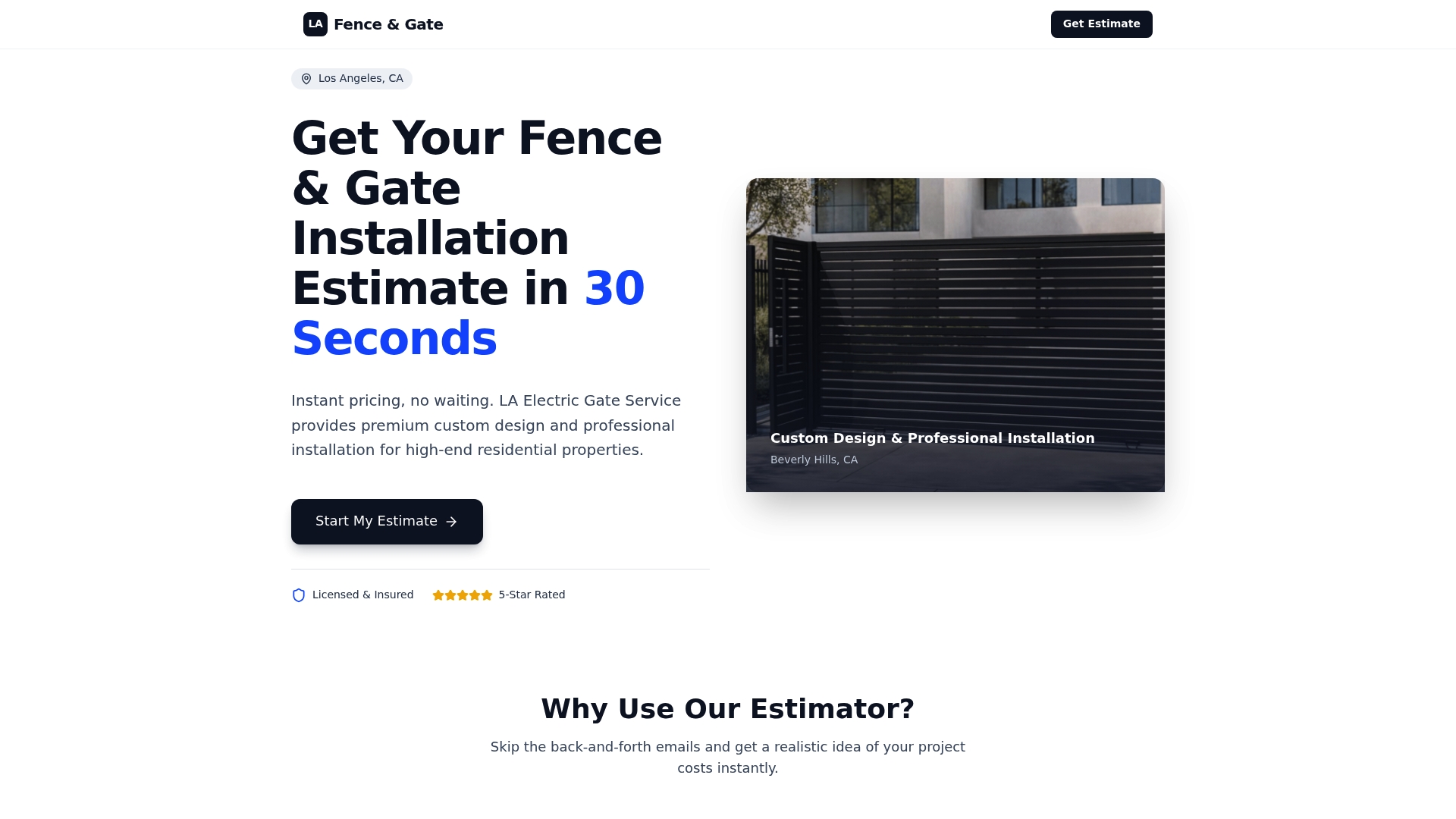
Start with the estimator on our homepage to see a realistic budget for your property, then we confirm details on site.
Our view on delivery and gates
We design gate entries around a simple idea: a delivery should never require a permanent key.
In the Los Angeles homes we work with, from Beverly Hills estates to Santa Monica and Studio City properties, the driveway gate is both the security line and the front door for the daily stream of parcels. That is why we treat access control and gate automation as one design, not two separate purchases.
Our approach is to decide first whether the driver needs to drive in at all. If a pedestrian gate and a protected drop spot do the job, the driveway stays closed. If vehicles must enter, we specify automation and access control so entry and exit are planned together, and so credentials can be named, limited and reissued.
We also build to Los Angeles permit codes and HOA requirements, so the delivery solution you choose does not become a compliance problem later. Our services cover driveway gates, pedestrian gates, gate automation and access control, so the whole entry can be planned in one place.
Moin
FAQ
Can a delivery driver leave a package inside my locked gate?
Only if you give them a way in. Without a code, pass or release, carrier protocols generally have drivers try to reach you and then reattempt or return the parcel rather than leave it in an unsecured spot. A pass, a call box you answer or a drop point outside the gate solves it.
Should I put my permanent gate code in my Amazon, UPS or FedEx account?
It is safer to use a recurring or expiring pass that you name for the carrier and can reissue. A permanent code in a carrier system can be passed along without your knowledge. Where your gate app supports recurring passes with an expiry, use that instead.
What does “No Access” mean on a USPS tracking page?
It means the carrier could not reach the delivery location, which includes gated communities. USPS says it normally triggers an automatic reattempt the next business day, and that you can submit a service request to your local Post Office if more than 24 hours pass. Fix the gate issue before the retry.
Will any gate work with delivery features like Amazon’s in-gate service?
No. The system needs a gate with an electrical relay or Wiegand access control, and access points that need an extra command to close or exit will not work. Availability is also limited to select areas, so confirm your gate’s controls first.
Sources
- Delivery protocols and issue resolution
- Solving for delivery access issues
- Ring Access Controller Pro 2
- Amazon Key In-Gate Delivery
- Ring Access Controller Pro information
- Liftmaster front gate instructions, June 2025
- How to use the gate callbox
- Gate System, Waterways of Naples
- Gate code for deliveries: what to put in the field
- Where does FedEx leave packages when you’re not home?
- Using gate codes for package deliveries
- Amazon Key: what it is
- USPS Tracking Status Help
- High-security fencing and gate manufacture