Intercom vs Keypad Gate: Which Fits Your Los Angeles Home?
By BabyLoveGrowth AI

For most Los Angeles single-family homes, the best answer is both, each doing the job it is good at. A keypad gives family, housekeepers and regular vendors fast entry with a code. An intercom lets a visitor or delivery driver ask permission, so you decide who comes in. Either one opens your gate the same way electrically, so the real decision is about who walks up to your gate and how you want to handle them. We install and upgrade gate access control for Los Angeles homeowners and property managers, and the pattern below is the one we would sketch for a friend in Brentwood or Studio City.
TL;DR
- Keypad: best for people you already know. They type a code and the gate opens, with no one needing to answer.
- Intercom: best for people you do not know yet. A call button rings inside the house or on your phone, you see and hear the visitor, then you release the gate.
- Both together: the most practical setup for a hillside or high-end home with daily routines and frequent guests or deliveries.
- Your existing operator usually stays. Both devices send the same simple “open” signal, so you can often add or change entry hardware without replacing the gate motor.
- Check wiring, power and signal at the gate before choosing, because those decide the cost more than the brand.
Table of Contents
- What a keypad and an intercom actually do
- Keypad vs intercom side by side
- When a keypad is the right choice
- When an intercom is the right choice
- Why combining both usually wins
- Can you open the gate from your phone?
- What to check before you buy
- What it costs, and what moves the price
- Permits, HOAs and Los Angeles rules
- Our perspective
- Get a Los Angeles estimate for your gate and entry system
- FAQ
- Sources
What a keypad and an intercom actually do
A gate has three parts that matter here: an input device (the thing a person touches), a controller that decides whether to act, and the gate operator, which is the motor that moves the gate. Keypads and intercoms are both input devices. They differ in how they decide that the gate should open.
A keypad checks a code. Someone types it in, the keypad compares it with what is stored, and if it matches, it closes a small switch (a relay) that tells the operator to open. No person has to be home.
An intercom asks a person. A visitor presses a call button at the gate. The call rings at a station inside your home, on a handset, or, with a telephone-entry or cellular model, on your cell phone wherever you are. You talk, you look at the camera if the unit has one, and you press a button to release the gate.

The key technical point is that the operator cannot tell the difference. Whether a code matched or you pressed “9” on your phone, the operator receives the same momentary contact closure on its open input. That is good news for anyone with an existing gate: you are choosing a front end, not rebuilding the gate.
Keypad vs intercom side by side
| What you care about | Keypad | Intercom |
|---|---|---|
| Who it suits | Household members, regular staff, recurring vendors | Guests, deliveries, anyone new |
| Does someone need to answer? | No | Yes, you or someone you designate |
| Speed at the gate | Seconds, once the code is known | Depends on how fast the call is answered |
| Verifying who is there | Not possible; the code identifies nothing about the person | Yes, by voice and, with video, by sight |
| Main security weakness | Shared codes spread and are hard to take back | Opening for someone you misjudged, or missing a call |
| Day-to-day upkeep | Change codes when staff or contractors change | Keep camera lens, speaker and phone connection working |
| Works for the whole street-facing entry | Yes | Yes, but adds a screen or phone workflow |
When a keypad is the right choice
A keypad is the baseline for a house where the same people come and go on a routine. Think of a Sherman Oaks family with two drivers, a nanny, a gardener on Tuesdays and a pool service on Thursdays. Nobody needs to be home for any of them to get in.
Good habits make a keypad much safer:
- Give individual codes where the system allows it. One shared code is easy to hand out and nearly impossible to take back when a contractor finishes a job. Individual codes can be removed one at a time.
- Change shared codes when people change. A house sitter, a remodeling crew or a former employee should not still be able to open the gate months later.
- Watch for worn buttons. On a frequently used keypad, the most-pressed digits wear and shine. Replace or rotate the code if the pattern gives it away.
- Mount it where it makes sense. A keypad should be reachable from a car window on the driveway side, and any fixed control should stay clear of moving gate parts. Your installer should place it with that in mind.
If your property is a single-family home with a limited set of regular users, a keypad alone can be enough. If you often have visitors you cannot predict, it is not.
When an intercom is the right choice
An intercom earns its place when strangers arrive. Delivery drivers, caterers for a party in Bel Air, a realtor showing a house in Pasadena, a friend you forgot was coming: each needs to announce themselves, and you decide whether to open.
What to look at when comparing intercoms:
- Audio only or video. Video lets you see who is at the gate before you speak. For a premium property, that visual check is usually worth having.
- Where the call rings. An inside station is dependable and works without internet. A telephone-entry or cellular unit rings your cell phone, which suits a home where you are rarely standing near a wall panel.
- Who answers. Decide in advance whether it is you, a partner, a house manager or a concierge. A call that goes unanswered means a visitor stuck at the curb.
- Privacy. Find out whether video is only live or is also recorded and stored, and who can view it.
- Outages. Know what happens if the internet or phone line goes down. Hardwired inside stations keep working independent of the internet; cloud-based and cellular phone features depend on their connection.
An intercom can also make a mixed-use entry cleaner for a property manager of an upscale residential building. Residents are handled one way and visitors another. If you manage several units, this guide to integrating gate access explains how entry methods fit different users, from household members and recurring providers to unexpected visitors.
Why combining both usually wins
A keypad alone cannot screen a stranger. An intercom alone forces every routine arrival through a conversation. If you run an intercom as the only method, you are the doorman for your own family and every vendor, and at peak times it slows everyone down.
The layered approach avoids both problems:
- Residents and regular staff use a code, a remote, a fob or an app, so entry is fast and needs no answering.
- Guests and deliveries use the intercom, so you stay in control.
- Everyone has a fallback. A remote or a manual release for the gate, plus a clear plan for what happens in a power outage.
For gated communities and larger properties, the same logic holds: faster credentials for residents, a video intercom for visitors. A single-family hillside home in Beverly Hills may use a keypad plus a phone-answering intercom. A Culver City townhouse complex with shared driveway access may want fobs for residents plus a video call box.
Can you open the gate from your phone?
Yes, and it is one of the most common upgrades. A small controller is wired to the same open input the keypad uses, and an app, or a call forwarded to your phone, sends the command. It can be added next to a keypad you already have, because the wiring runs in parallel and the existing remotes and keypad keep working.
Two practical questions decide how well this works:
- How does the gate controller get online? Wi-Fi must actually reach the gate, and long driveways in the hills often are out of range. A cellular connection avoids the home network but needs usable signal at the gate itself.
- What happens when the connection fails? A phone command that rides a cloud service or cellular link cannot be assumed to work in an outage. A keypad that checks codes locally keeps working as long as the gate has power. This is exactly why we like to keep a local method and a remote method together.
We cover this in more depth in our piece on app-based gate control for LA homeowners.
An intercom with video also lets you see a visitor and grant access from your phone, which is the same idea as a smart video doorbell at the front door, only applied to the driveway. If you want a feel for how a visitor requests entry versus how an authorized person enters a code, this review of a popular video doorbell shows the visitor side of the experience.

What to check before you buy
Before you pick a unit, walk through these checks. Most surprises in cost and performance come from this list, not from the device.
1. Your gate operator. Because the open input takes a simple dry-contact signal, most operators accept a keypad, intercom or phone controller. What must match is the replacement device’s relay voltage, current and whether it sends a short pulse or a latched signal. We confirm this at the site visit.
2. Power at the gate. A keypad, camera and speaker all need power. If your gate already has a powered operator, there may be a convenient source nearby. If it does not, new wiring is needed.
3. Distance and wiring. The farther the gate is from the house, the more cable and labor. If your driveway crosses a lawn, hardscape or a slope, running a new line can mean trenching, and that is where budgets move.
4. Signal. Wi-Fi at the gate, or cellular coverage at the gate, decides whether phone features are realistic. Hills and long setbacks in areas like Bel Air and Brentwood make this a real question, not a detail.
5. Weather and sun. Southern California sun fades screens and cracks cheap housings. Equipment at the street should be rated for outdoor exposure.
6. Safety and monitoring. A phone app that reports “command sent” confirms only that the relay received the message, not that the gate moved. A safety-sensor fault can make the operator ignore a brief command even though a keypad still beeps. If a gate does not respond, diagnosis starts at the operator, not the keypad or app, because all of them produce the same electrical event. Ask whether a system reports actual gate state.
7. Backup. Keep a remote and know your manual release. Gate safety standards such as UL 325 apply to the operator itself, so any upgrade should leave the safety devices intact.
What it costs, and what moves the price
Prices vary because the work varies. The main drivers are cabling, the distance from house to gate, the condition of the existing operator, and the equipment you choose: keypad only, keypad plus phone entry, or video intercom with an app.
For reference, our own published ranges are $1,500 to $4,000 for a manual driveway gate and $1,500 to $4,500 for an automatic gate retrofit. Access control hardware sits within the larger scope of a gate project, and the final number depends on the gate, the automation and the entry method. For a project-specific figure, use our estimator on the driveway gates page, which uses current Los Angeles material and labor rates. The estimate is the start; an onsite visit confirms wiring, power and signal.
If you are also deciding on the motor and controller, our gate automation process guide walks through what happens from first visit to finished gate.
Permits, HOAs and Los Angeles rules
Adding or swapping access control is often lighter on paperwork than building a new gate, but a new gate or a change to its structure is a different matter. Requirements depend on your city or unincorporated area, and many HOAs and architectural committees require approval before any visible change on the street side, including a call box or keypad pedestal. Confirm your HOA rules early, especially in gated communities in the Valley, Pasadena or the Westside.
For a new driveway gate or a structural change, see our Los Angeles driveway gate permit playbook. We work with permit codes and HOA requirements as part of the project, so the paperwork is not left to you.
Our perspective
Homeowners often ask us to settle intercom versus keypad as if one has to lose. We think that is the wrong frame. At the gate, a keypad answers “does this person have a code?” and an intercom answers “do I want this person in?” Those are different questions, and a premium property usually needs both answered.
Our approach starts with the people who use your entrance, not the hardware catalog. We list your household, your regular service providers and your typical visitors, then match each group to the quickest safe way in. Premium custom design matters here too: the keypad pedestal, the call box and the gate itself should look like they belong to the same property, not like parts bolted on later.
We also design for the moment something does not work. Local code checks, a remote, a manual release and a plan for power or connectivity loss belong in the first drawing, not an afterthought. That is how we approach every access control and automation project, from a Santa Monica pedestrian gate to a long Bel Air driveway.
Moin
Get a Los Angeles estimate for your gate and entry system
If you are planning a new gate or upgrading the way yours opens, we can price the gate, the automation and the entry system together. We offer fence installation, driveway and pedestrian gates, gate automation and access control, with professional installation. Start with an instant estimate on our Los Angeles gate estimator and we will confirm details at an onsite visit.
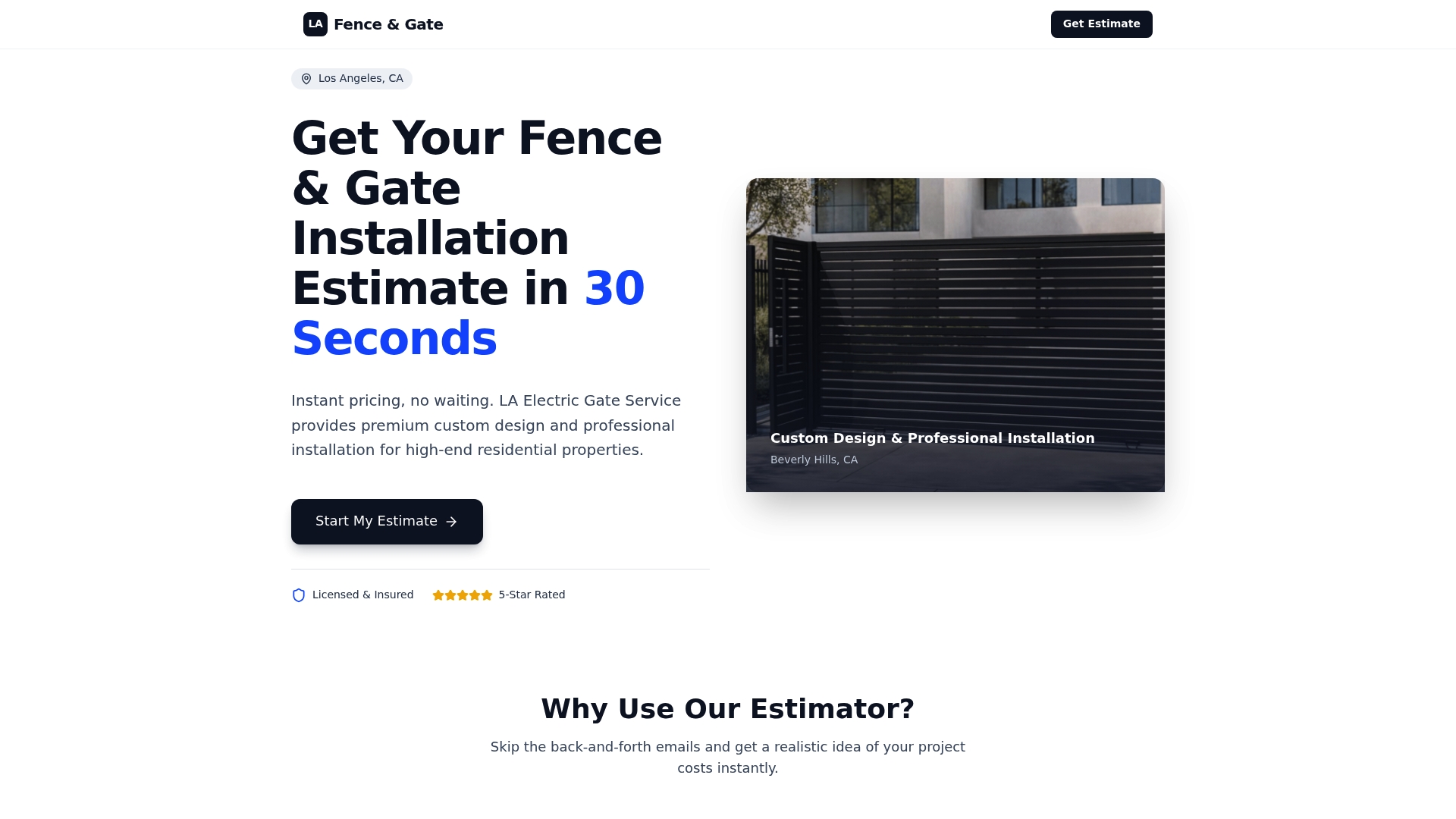
Tell us about your driveway, how far the gate sits from the house, and who comes and goes each week. That is enough to point you toward a keypad, an intercom or the pairing of both.
FAQ
Is a keypad or an intercom more secure for a gate?
Neither is automatically more secure, because they protect against different things. A keypad is only as secure as the secrecy of its codes, so individual codes you can remove are safer than one shared code. An intercom lets you verify a visitor by voice or video, but it depends on you answering and judging well. Pairing the two covers both risks.
Can I add an intercom to my existing gate opener?
Usually yes. Intercoms, keypads and phone controllers all trigger the operator through the same simple open input, so the motor often stays. What needs to match is the relay’s voltage, current and signal type, plus power and signal at the gate. We check this at the site visit before recommending hardware.
Do I still need a keypad if I have a video intercom?
For most households, yes. Using a video intercom as the only method means every family member and vendor has to be buzzed in. A keypad, remote or app for known users keeps routine entry fast and leaves the intercom for guests and deliveries.
Will my gate keep working if the internet goes down?
It depends on the device. A keypad that checks codes locally keeps working as long as the gate has power. Phone control and cloud features rely on Wi-Fi or a cellular connection, so keep a remote and know your manual release as backups.
Do I need a permit or HOA approval to change my gate entry system?
It depends on your location and what changes. Many HOAs require approval for visible street-side equipment, and a new gate or a structural change raises permit questions. Our permit guide for Los Angeles driveway gates explains the process.